
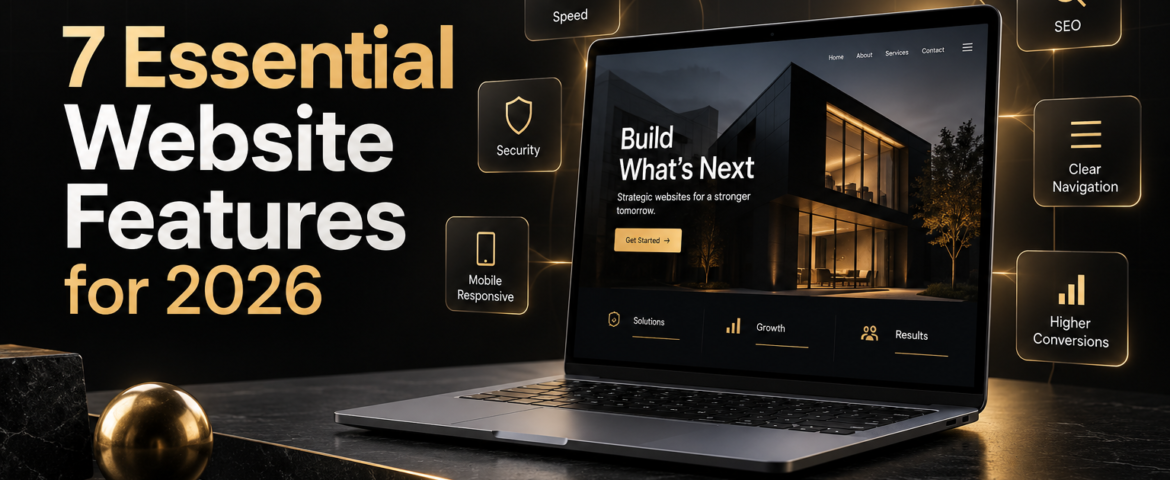
A business website in 2026 has to do much more than look professional. It must load quickly, work perfectly on mobile devices, answer customer questions, earn trust and guide visitors toward a clear next step. The essential features of a business website now influence how customers judge a company and how search engines understand its value.
Whether you are planning a new website or improving an existing one, the following seven features create the foundation for better visibility, usability and conversions.
Why Website Features Matter More in 2026
Customers expect fast, simple digital experiences. They move between phones, tablets and desktops, compare several businesses at once and leave quickly when information is difficult to find. At the same time, search engines reward helpful content, sound structure and positive user experience.
A successful website therefore needs to balance design, technology and communication. Attractive visuals bring people in, but performance, clarity and trust help them stay and take action.
1. Mobile-First Responsive Design
Your website should adapt smoothly to every screen size. Mobile-first design begins with the needs of smartphone users and then expands the experience for larger displays. This approach keeps text readable, buttons easy to tap and layouts free from awkward horizontal scrolling.
Responsive design is not simply about shrinking a desktop page. Navigation, content order, forms and calls to action may need different treatment on smaller screens. Test important customer journeys—such as requesting a quote, buying a product or finding contact details—on real devices.
What to check
- Menus are simple and touch-friendly.
- Text remains readable without zooming.
- Images resize without slowing the page.
- Forms are short and easy to complete.
- Important buttons remain visible and tappable.
2. Fast Loading Speed and Reliable Performance
Speed shapes both user experience and conversion rates. Visitors are less likely to wait for a heavy homepage, oversized image or unnecessary animation. A slow site can also weaken search performance because page experience is part of modern SEO.
Good performance begins with efficient hosting, optimized images, clean code and sensible use of plugins. Caching and content delivery tools can help, but they cannot fully compensate for a page overloaded with scripts and media.
Prioritize the pages that generate enquiries or sales. Compress images, remove unused features and monitor performance after design changes rather than checking it only at launch.
3. Clear Navigation and Information Structure
Visitors should understand where they are, what the business offers and where to go next. A focused main menu usually works better than a long list of every possible page. Use familiar labels such as Services, About, Blog and Contact, then group detailed information logically underneath them.
Clear structure also helps search engines discover and interpret your content. Each important service should have a dedicated page, while related pages should link to one another naturally. Breadcrumbs, descriptive headings and an accurate sitemap further support navigation.

4. Strong Calls to Action and Conversion Paths
Every important page needs a purpose. A call to action tells visitors what to do next: request a quote, book a consultation, view services, buy a product or send an enquiry. The wording should be specific and relevant to the page rather than relying on vague buttons such as “Click Here.”
Place primary calls to action where users naturally need them, including near the top of service pages and after persuasive sections. Do not overwhelm visitors with several competing actions. One clear primary action and a smaller secondary option usually create a better experience.
Make conversion easier
- Keep enquiry forms concise.
- Explain what happens after submission.
- Use visible contact information.
- Repeat the main action at logical points.
- Remove unnecessary steps between interest and response.
5. Trust Signals and Website Security
Customers need evidence that a business is legitimate and capable. Trust signals may include genuine testimonials, case studies, client logos, professional credentials, transparent policies and consistent contact details. The strongest proof is specific: real outcomes and clear explanations are more persuasive than generic claims.
Technical security is equally important. Your website should use HTTPS, current software, secure forms, reliable backups and appropriate protection against spam and attacks. For e-commerce websites, customers should also see clear payment, delivery and return information before checkout.
Trust grows when design and content feel consistent. Broken links, outdated details and low-quality visuals can create doubt even when the underlying service is excellent.
6. Search-Friendly Structure and Useful Content
A website cannot support growth if potential customers cannot find it. Search-friendly design gives every page a clear topic, descriptive title, logical heading structure, helpful copy and readable URL. Internal links connect related services and help both visitors and search engines discover important pages.
Content should answer real customer questions instead of repeating keywords. Service pages explain what you do and who it is for, while blog content can address comparisons, common problems and buying decisions. Regularly update inaccurate information, but do not publish simply to fill a calendar.
Technical SEO also matters. XML sitemaps, structured data, image alternative text, canonical settings and sensible indexing rules help search engines process the site correctly. These elements work best when planned alongside design rather than added as an afterthought.
7. Accessible, Human-Centred User Experience
Accessibility makes a website usable for more people, including visitors who navigate by keyboard, use screen readers or have visual or motor limitations. It also improves general clarity for everyone.
Use sufficient colour contrast, descriptive alternative text, visible focus states, properly labelled form fields and meaningful link text. Avoid placing essential information only inside images. Videos should include captions, and motion should never make the interface difficult to use.
Human-centred design also means writing in plain language, presenting information in manageable sections and respecting the visitor’s time. Accessibility is an ongoing responsibility, not a one-time checkbox.
Essential Supporting Features to Consider
The seven essentials form the foundation, but some businesses need additional tools. Depending on your goals, consider online booking, live chat, e-commerce, customer portals, multilingual content, marketing automation or CRM integration. Add features because they solve a user or business problem—not because they are fashionable.
Analytics and conversion tracking are also valuable. They show which pages attract visitors, where users leave and which calls to action perform best. Use that evidence to improve the website gradually after launch.
A Practical Business Website Checklist
- Does every page work well on mobile?
- Do key pages load quickly?
- Can visitors find every main service within a few clicks?
- Is there one clear next step on each important page?
- Are security, policies and trust signals visible?
- Does the content answer genuine search intent?
- Can people use the site with a keyboard or assistive technology?
- Are analytics and form submissions tested?
Build a Website That Supports Real Business Goals
The essential features of a business website work together. Responsive design brings consistency across devices, performance prevents frustration, strong content supports search visibility and clear calls to action turn attention into enquiries. When these elements are planned as one system, the website becomes a practical business asset rather than a static online brochure.
The Visual Spark’s website designing services combine visual quality with usability, responsive layouts and conversion-focused structure. Explore our wider creative services, strengthen your message with content and copywriting support, or contact The Visual Spark to discuss a new website or redesign.
Frequently Asked Questions
What is the most important feature of a business website?
No single feature works alone, but clear usability is the starting point. Visitors must quickly understand the business, find relevant information and take the next step on any device.
How often should a business website be updated?
Review important service, pricing, policy and contact information regularly. Security updates and backups should follow an ongoing maintenance schedule, while content should be refreshed whenever it becomes inaccurate or less useful.
Do small businesses need a custom website?
Not every business needs a fully custom technical build, but the final website should still reflect its brand, customer journey and goals. A professionally configured platform can provide flexibility without unnecessary complexity.
Leave A Comment