
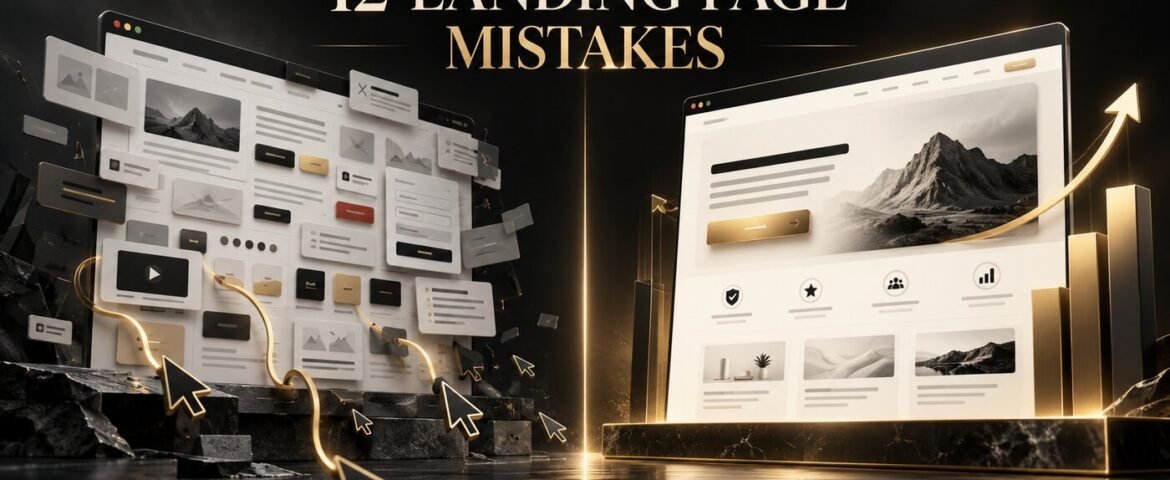
Small landing page design mistakes can quietly waste a large advertising budget. A campaign may attract the right audience and generate plenty of clicks, yet visitors still leave without enquiring, booking, downloading or buying. The problem is often not the traffic. It is the gap between what the visitor expected and what the page makes easy to understand and do.
A high-converting landing page creates a focused path from one promise to one action. It removes distractions, answers important objections and builds enough confidence for the visitor to continue. This guide explains 12 common landing page mistakes, why they reduce conversions and how to fix each one.
What Is a Landing Page Conversion?
A landing page conversion happens when a visitor completes the page’s intended goal. Depending on the campaign, that action may be submitting a lead form, booking a consultation, starting a free trial, purchasing a product, calling the business or downloading a resource.
The landing page conversion rate is the percentage of visitors who complete that action. Benchmarks vary widely by industry, traffic source, offer and conversion type, so use external averages as context rather than a guarantee. Unbounce’s landing page conversion research is useful for understanding why comparison should be made within the right industry and campaign context.
12 Landing Page Design Mistakes That Reduce Conversions
1. Breaking the promise made in the ad
A visitor clicks because an ad, email or social post makes a specific promise. If the landing page uses a different headline, offer, visual or price, the visitor must stop and work out whether they reached the right place. That uncertainty weakens trust immediately.
Fix it: repeat the campaign’s core message on the page. Match the offer, audience, terminology and visual direction. If an ad promotes a free website audit, the landing-page headline should clearly confirm that audit rather than introduce the agency with a generic welcome message. Our digital marketing service connects campaign messaging and destination pages as one conversion journey.
2. Using a vague, brand-centred headline
Headlines such as “Welcome to Our Website” or “Solutions for a Better Tomorrow” sound polished but communicate little. Visitors need to know what the offer is, who it is for and why it matters. Clever wording should never hide the value proposition.
Fix it: lead with a specific outcome. Support the headline with a short subheading that explains the mechanism, audience or differentiator. Strong landing-page copy uses the customer’s language and answers the first question quickly. A professional content and copywriting service can turn unclear features into relevant customer benefits.
3. Giving the page too many goals
A campaign page is not a miniature homepage. Full navigation, several competing buttons, unrelated offers and multiple conversion paths divide attention. When every section asks for something different, the visitor may choose nothing.
Fix it: define one primary conversion goal before designing. Remove unnecessary navigation and secondary links, or make them visually quiet when they are legally or practically required. Repeated buttons can appear throughout a long page, but they should lead to the same action.
4. Hiding the value above the fold
The opening screen is often overloaded with decorative graphics, rotating sliders or background video while the offer remains unclear. Visual impact cannot compensate for missing information. A visitor should not have to scroll through a cinematic introduction to discover what the business is selling.
Fix it: use the first screen to establish the main promise, supporting explanation, relevant visual and primary call to action. Keep enough white space to make the information easy to scan. The complete website still needs the fundamentals covered in our guide to essential business website features.
5. Using weak or confusing calls to action
Generic labels such as “Submit”, “Click Here” or “Learn More” do not explain what happens next. A button can also disappear when its colour, size or position fails to separate it from surrounding content.
Fix it: use specific, action-led copy such as “Book My Free Consultation”, “Get the Website Checklist” or “Start My Quote”. Give the button strong contrast, sufficient space and a consistent style. Place it after the visitor understands enough value to act, then repeat it at natural decision points.
6. Explaining features without customer benefits
Feature lists describe what a product or service contains. Benefits explain what changes for the customer. “Automated reporting” is a feature; “see campaign performance without building spreadsheets every week” is the practical benefit.
Fix it: connect every major feature to an outcome, problem or objection. Use short sections, descriptive subheadings and concrete examples. Avoid dense paragraphs and internal terminology the customer may not recognise.
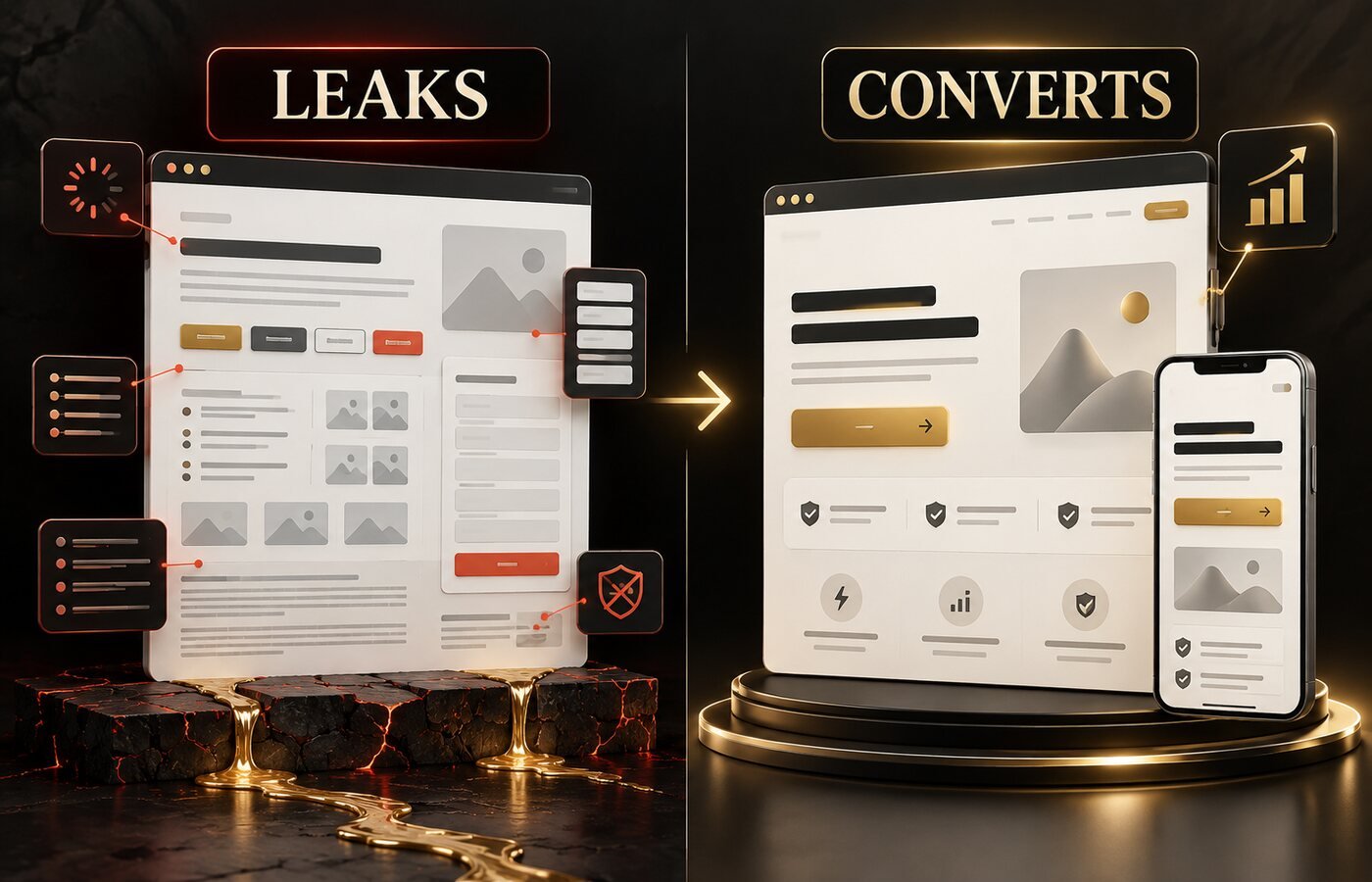
7. Choosing visuals that look good but explain nothing
Generic stock photos, unrelated animations and oversized decorative elements can consume attention without increasing understanding. Product screenshots shown too small to read are equally unhelpful.
Fix it: select visuals that demonstrate the offer, show the result or help the visitor imagine using it. Crop screenshots around the important detail and add a short caption when context is needed. Consistent custom visuals from a graphic design and branding service can support credibility without competing with the CTA.
8. Failing to prove the claims
A page may promise excellent service, fast results or premium quality, but visitors have heard the same claims from competitors. Without evidence, the offer feels risky—especially when the action requires money or personal information.
Fix it: add relevant trust signals close to the claim or decision point. These may include specific testimonials, case-study results, client logos, ratings, credentials, guarantees, secure-payment information or clear contact details. Use real evidence and obtain permission before publishing customer identities or results.
9. Asking for too much information
Every form field adds effort and raises questions about why the information is needed. A visitor requesting a checklist may not be ready to provide a phone number, company size, budget and detailed project brief.
Fix it: ask only for information required at the current stage. Explain how details will be used, label fields clearly and show validation messages near the problem. Nielsen Norman Group’s guidance on simplifying forms recommends reducing the work and making the remaining work easier.
10. Allowing the page to load slowly
Large hero images, unnecessary scripts, autoplay video, heavy animation and poorly configured hosting can delay the moment when a visitor sees or uses the page. Slow performance creates friction before the message has a chance to persuade.
Fix it: resize and compress images, limit third-party scripts, use efficient video delivery, remove unused assets and test the real mobile experience. Google’s PageSpeed Insights guidance explains how field and laboratory data can reveal loading, responsiveness and stability problems.
11. Treating mobile as a smaller desktop page
A layout can technically fit a phone screen and still be difficult to use. Tiny text, buttons placed too close together, awkward forms, cropped visuals and sticky banners that cover content all reduce confidence and completion.
Fix it: design the content order for a narrow screen, not only the column width. Use readable type, comfortable tap targets, short form fields and a CTA that remains easy to reach. Test on real devices and slow connections. Our professional website design service builds responsive layouts around the complete customer journey.
12. Launching once and never testing again
A landing page is a business hypothesis, not a finished poster. Without analytics, event tracking and controlled experiments, the team cannot tell whether visitors miss the CTA, abandon the form or lose interest after a particular section.
Fix it: confirm that page views, CTA clicks, form starts, successful submissions and calls are measured correctly. Review behaviour by device and traffic source. Test one meaningful change at a time—such as the headline, offer, form length or proof—and allow enough data before choosing a winner.
Landing Page Optimization Checklist
- Does the headline match the ad or campaign promise?
- Can a new visitor understand the offer and audience quickly?
- Is there one clear primary conversion goal?
- Does the CTA explain the next step?
- Are important benefits supported with credible proof?
- Does the form request only necessary information?
- Are images useful, compressed and accessible?
- Does the page work comfortably on a phone?
- Are key actions tracked correctly?
- Is there a clear testing priority for the next iteration?
Before promoting the page through search, also review the technical and content checks in our SEO-friendly website design checklist.
Frequently Asked Questions
What is the biggest landing page mistake?
The biggest mistake is an unclear value proposition. If visitors cannot quickly understand what the offer is, who it helps and why it is relevant, design details further down the page will have little opportunity to influence the decision.
Should a landing page have navigation?
A focused campaign landing page often removes full website navigation to reduce distraction. Essential legal, privacy or accessibility links can remain in the footer. Test the choice when visitors may genuinely need supporting information before converting.
How long should a landing page be?
It should be long enough to explain the offer, answer the important objections and build confidence—then stop. A simple, low-risk offer may need a short page, while a costly or unfamiliar service may require more proof, detail and FAQs.
How can I improve a landing page conversion rate?
Start with message match, headline clarity, one primary CTA, form friction, mobile usability, speed and trust. Confirm tracking before making changes, then test the highest-impact weakness rather than redesigning everything at once.
Turn More Clicks Into Meaningful Actions
The most damaging landing page design mistakes create confusion, distraction, effort or doubt. Fixing them does not require adding more decoration. It requires a clearer promise, a stronger visual hierarchy, useful proof and a simpler path to one action.
The Visual Spark is a UK-based creative studio serving clients worldwide with conversion-focused website design, strategic content and campaign visuals. Explore our creative services or contact The Visual Spark to improve a landing page that is attracting clicks but not enough leads.
Leave A Comment