
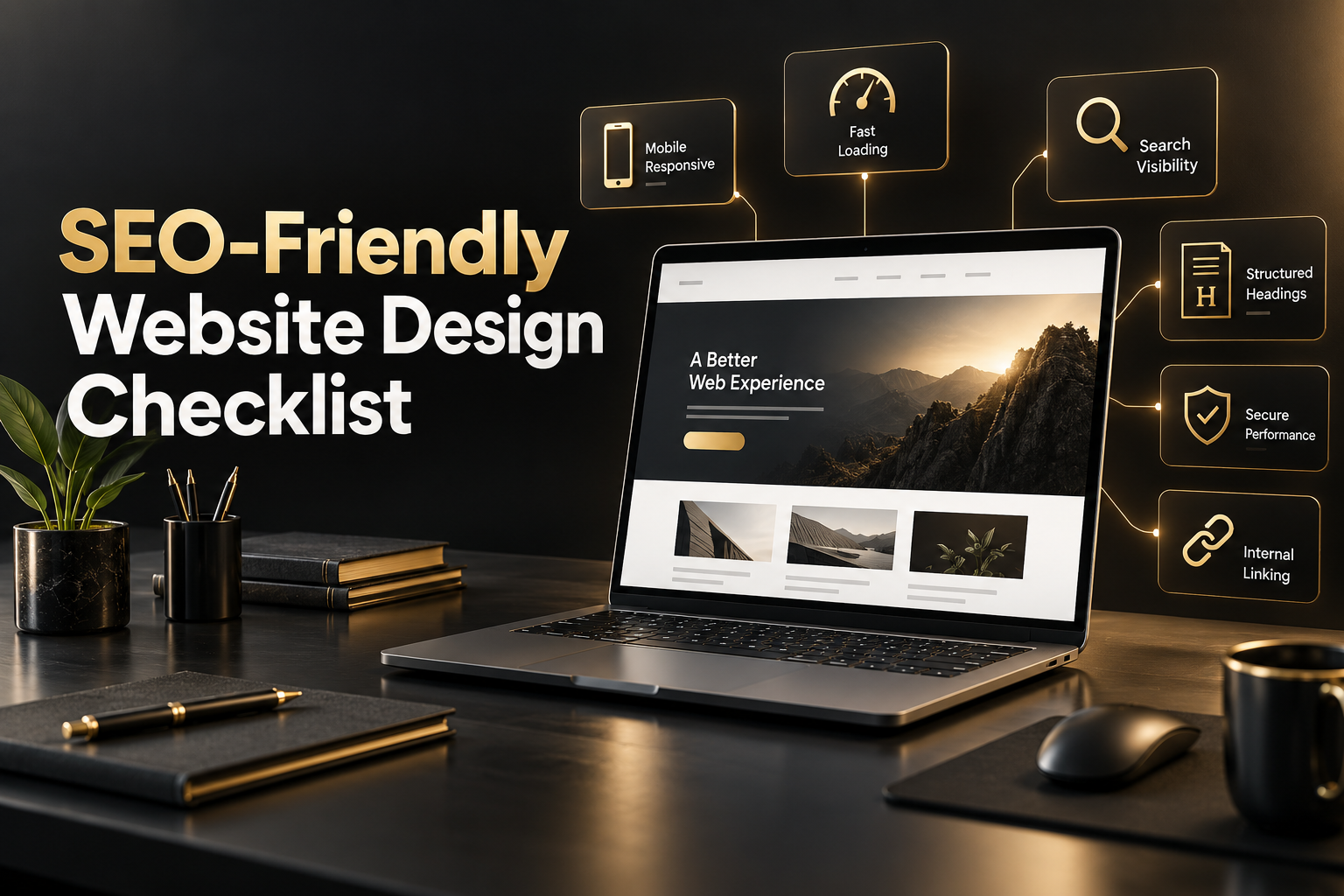
An attractive website is useful, but an attractive website that search engines can understand and customers can use is far more valuable. SEO-friendly website design brings search visibility, user experience and conversion planning together from the beginning. Instead of treating SEO as a plugin installed after launch, it builds discoverability into the structure of the site.
For a business, that approach can reduce expensive redesigns, make future content easier to publish and give every important service page a stronger chance of being found. Use the practical checklist below when planning a new website or auditing an existing one.
What Is SEO-Friendly Website Design?
SEO-friendly website design is the process of creating a website that is easy for search engines to crawl, understand and index while also being fast, accessible and intuitive for real visitors. It connects technical foundations with clear content, useful navigation and thoughtful calls to action.
Good design and SEO are not competing priorities. Search engines increasingly reward many of the same qualities customers appreciate: fast pages, mobile usability, logical information, trustworthy content and a frustration-free experience. The best results come when your designer, developer and SEO team plan these elements together.
1. Start With Mobile-First, Responsive Design
Many potential customers will first meet your business on a phone. A responsive site should adapt naturally to different screen sizes without tiny text, clipped sections, overlapping buttons or horizontal scrolling. Mobile usability also matters because Google primarily uses the mobile version of a website for indexing.
- Use flexible grids and appropriately sized images.
- Keep body text readable without zooming.
- Make navigation and buttons easy to tap.
- Test forms, menus and pop-ups on real devices.
- Keep important information visible without excessive scrolling.
Mobile-first does not mean ignoring desktop users. It means beginning with the most constrained experience, then enhancing the layout for larger screens.
2. Make Page Speed and Core Web Vitals a Design Requirement
A visually impressive page loses value if it takes too long to load or shifts around while someone is trying to use it. Speed should influence design decisions from the start, including image formats, font choices, animation, third-party scripts and page-builder components.
Pay attention to Core Web Vitals: loading performance, responsiveness to interaction and visual stability. Compress images, serve correctly sized files, reduce unnecessary scripts, use caching and avoid oversized background videos. Performance testing should cover both mobile and desktop connections rather than relying on a fast office network.
3. Create a Clear, Crawlable Site Architecture
Your site structure should help both visitors and search engines understand how pages relate to one another. Important pages should not be hidden behind complicated menus or accessible only through an internal search box.
- Keep the main navigation focused on essential destinations.
- Group related services and resources logically.
- Use descriptive menu labels instead of vague wording.
- Provide breadcrumbs where they improve orientation.
- Make key commercial pages reachable within a few clicks.
A professional website design service should map this architecture before visual layouts are finalized. That prevents beautiful templates from dictating a confusing customer journey.
4. Use Clean, Descriptive URLs
A good URL tells users what a page contains before they open it. Keep slugs short, readable and relevant to the page topic. Use lowercase words separated by hyphens, and avoid long strings of numbers or unnecessary folders.
For example, /website-design-services/ is clearer than /page?id=4817. Plan URL structures carefully before launch because changing them later requires proper redirects to preserve traffic and backlinks.
5. Build a Logical Heading Hierarchy
Each page should usually have one clear H1 that identifies its main topic. Use H2 headings for major sections and H3 headings for supporting points. Headings should describe the content below them, not merely serve as a way to make text larger.
A logical hierarchy improves scanning, accessibility and topical understanding. Include keywords only where they fit naturally. Repeating the same phrase in every heading can make the page feel mechanical and does not create a better experience.
6. Match Content to Search Intent
Design cannot rescue thin or unhelpful content. Before creating a page, clarify what the searcher is trying to accomplish. Someone searching for a definition needs an informative answer, while someone comparing providers may need service details, proof, process, pricing context and a clear next step.
Write for people first, answer important questions directly and support claims with specific information. A strong content and copywriting strategy also ensures that page layouts leave enough room for useful explanations instead of forcing every message into a few decorative lines.
7. Add Natural Internal Links
Internal links help visitors discover related information and help search engines understand page relationships. Link from relevant phrases to useful destination pages, especially when a reader may reasonably want more detail or be ready to take the next step.
Avoid forced links, excessive repetition and generic anchor text such as “click here.” A website design article can naturally link to related design, content or digital marketing services, but it should not link to an unrelated page simply to increase the link count. Periodically check for broken links and pages with no internal links pointing to them.
8. Optimize Images Without Sacrificing Quality
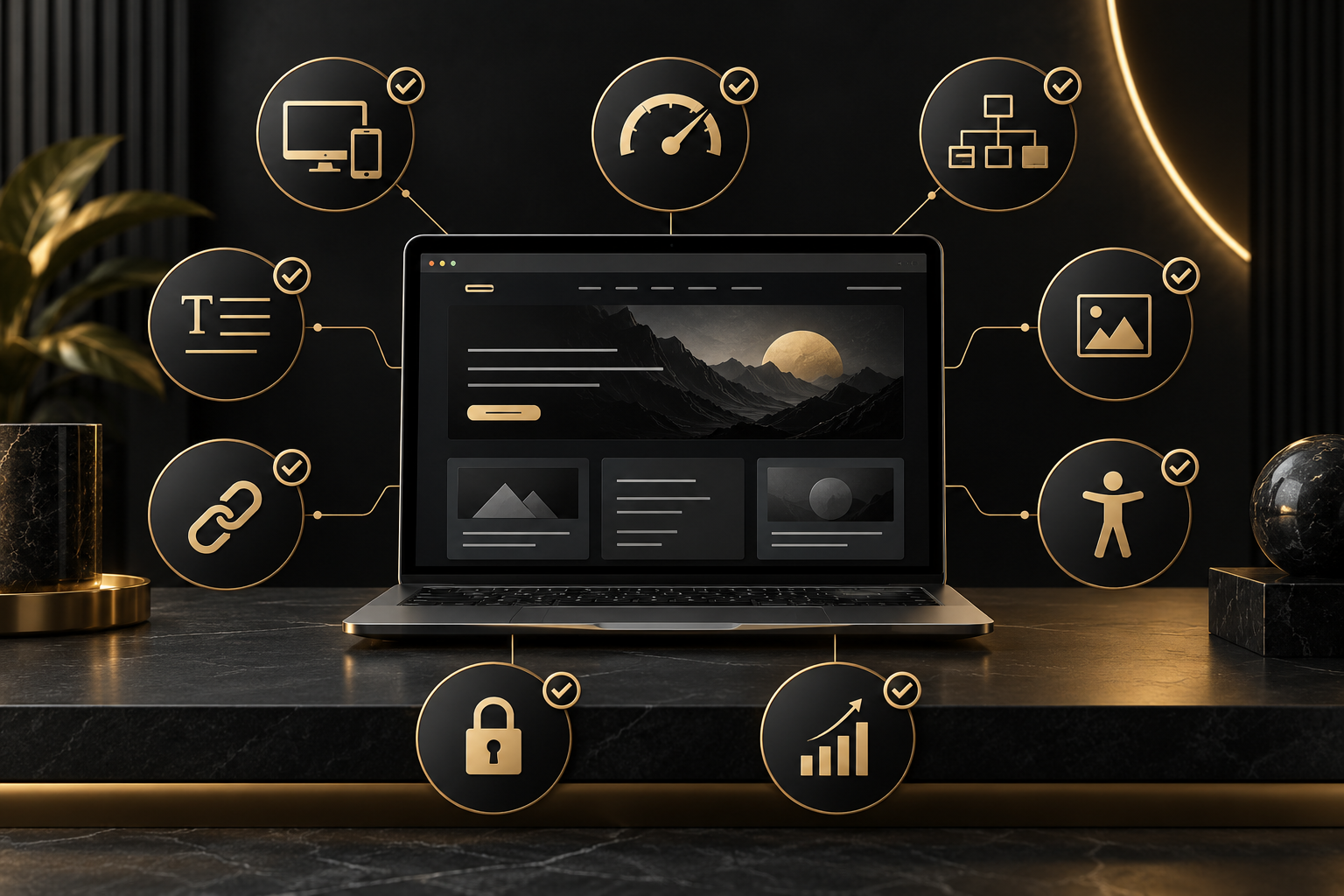
Images influence brand perception, speed and accessibility. Resize files to the dimensions actually required, compress them carefully and use efficient formats where appropriate. Descriptive file names provide useful context, while alternative text should explain the image’s purpose for people who cannot see it.
Do not stuff keywords into alt text. Decorative images can use empty alt attributes, while meaningful graphics need concise, accurate descriptions. Lazy loading can help below-the-fold images, but the main visual near the top of a page should be handled carefully so it does not delay the first useful screen.
9. Design for Accessibility and Usability
Accessible design supports a wider audience and usually improves the experience for everyone. Maintain strong color contrast, visible keyboard focus, readable typography and properly labelled form fields. Do not communicate essential information through color alone.
Keep calls to action clear and consistent. Forms should request only necessary information and display understandable validation messages. Avoid intrusive overlays that block the main content, especially on mobile devices.
10. Protect Technical Indexability
Before launch, confirm that search engines can access the pages you want indexed and are excluded from private or duplicate areas. A technically sound website should include:
- HTTPS across the entire site.
- An accurate XML sitemap.
- A robots.txt file that does not block important resources.
- Correct canonical tags for duplicate or similar URLs.
- Useful structured data where it genuinely applies.
- A helpful 404 page and proper redirects.
- No accidental “noindex” setting left over from development.
Also connect analytics and search performance tools before launch. Measurement makes it possible to find crawl errors, weak pages and conversion problems instead of relying on assumptions.
11. Make the Design Conversion-Friendly
Traffic alone does not grow a business. Each important page needs a clear purpose and an obvious next action, such as requesting a quote, calling the company, booking a consultation or exploring a relevant service.
Use focused page layouts, meaningful proof and calls to action that match the visitor’s stage. Testimonials, credentials, portfolio examples and transparent process information can reduce uncertainty. However, avoid filling every section with competing buttons; visual hierarchy should guide attention toward the most useful action.
Quick SEO-Friendly Website Design Audit
Before approving a website launch, verify the following:
- The site works smoothly on common mobile, tablet and desktop sizes.
- Key pages load quickly and remain visually stable.
- Navigation and site structure are simple and descriptive.
- Every indexable page has a unique purpose, title and meta description.
- URLs and heading hierarchies are clean.
- Content satisfies a clear search intent.
- Internal links connect related pages naturally.
- Images are compressed and have appropriate alt text.
- Forms, buttons and menus are accessible and functional.
- HTTPS, canonicals, redirects, sitemap and index settings are correct.
- Analytics and conversion tracking are ready.
Common Mistakes to Avoid
Frequent problems include choosing a theme based only on appearance, installing too many plugins, placing important text inside images, hiding content behind animations and launching with placeholder copy. Another costly mistake is creating separate pages that target almost identical keywords without a clear reason, which can divide relevance and confuse visitors.
Do not wait until the site is finished to involve SEO expertise. Fixing navigation, templates, URLs and content structure after launch is usually slower and more expensive than planning them correctly.
Build a Website That Can Be Found and Used
An SEO-friendly website is not a one-time technical trick. It is a durable foundation for useful content, strong user experiences and measurable growth. When structure, speed, accessibility, content and conversion paths support one another, the website becomes a practical business asset rather than a digital brochure.
If your current site is difficult to find, slow on mobile or unclear to customers, The Visual Spark can help you plan a stronger foundation. Explore our website designing solutions or contact The Visual Spark to discuss a focused redesign.
Frequently Asked Questions
Does website design really affect SEO?
Yes. Design decisions affect mobile usability, speed, site architecture, internal linking, accessibility and how clearly content is presented. All of these can influence how efficiently search engines understand a site and how visitors respond to it.
Can an existing website be made SEO-friendly?
Yes. Start with a technical and content audit, then prioritize the issues with the greatest impact. Common improvements include simplifying navigation, optimizing templates and images, correcting indexation, improving content and strengthening internal links.
How often should a business audit its website?
Review core technical health and key pages regularly, and run a broader audit after major design, platform or content changes. Performance, broken links and search visibility should be monitored continuously so emerging problems are addressed early.
Leave A Comment